Summary
Turning your wired Android Auto into a wireless system is now simple and affordable. A small adapter plugs into your car's USB port and connects to your phone over Bluetooth and Wi-Fi. This upgrade removes the need for a cable every time you drive, making your daily commute cleaner and more convenient.
Main Impact
The biggest change is convenience. You no longer have to plug in your phone each time you get into the car. The adapter handles the connection automatically, so your Android Auto screen appears on your car's display without any extra steps. This saves time and reduces wear on your phone's charging port.
Key Details
What Happened
Several companies now sell small adapters that turn a wired Android Auto setup into a wireless one. These devices are about the size of a USB flash drive. You plug one into your car's USB port, pair it with your phone once, and it works every time you start the car.
Important Numbers and Facts
Most adapters cost between $50 and $100. They work with any car that already supports wired Android Auto. Setup takes about five minutes. The adapter uses your phone's Wi-Fi and Bluetooth to send the Android Auto signal to your car's screen. Battery drain is slightly higher than a wired connection, but most users find it acceptable for short trips.
Background and Context
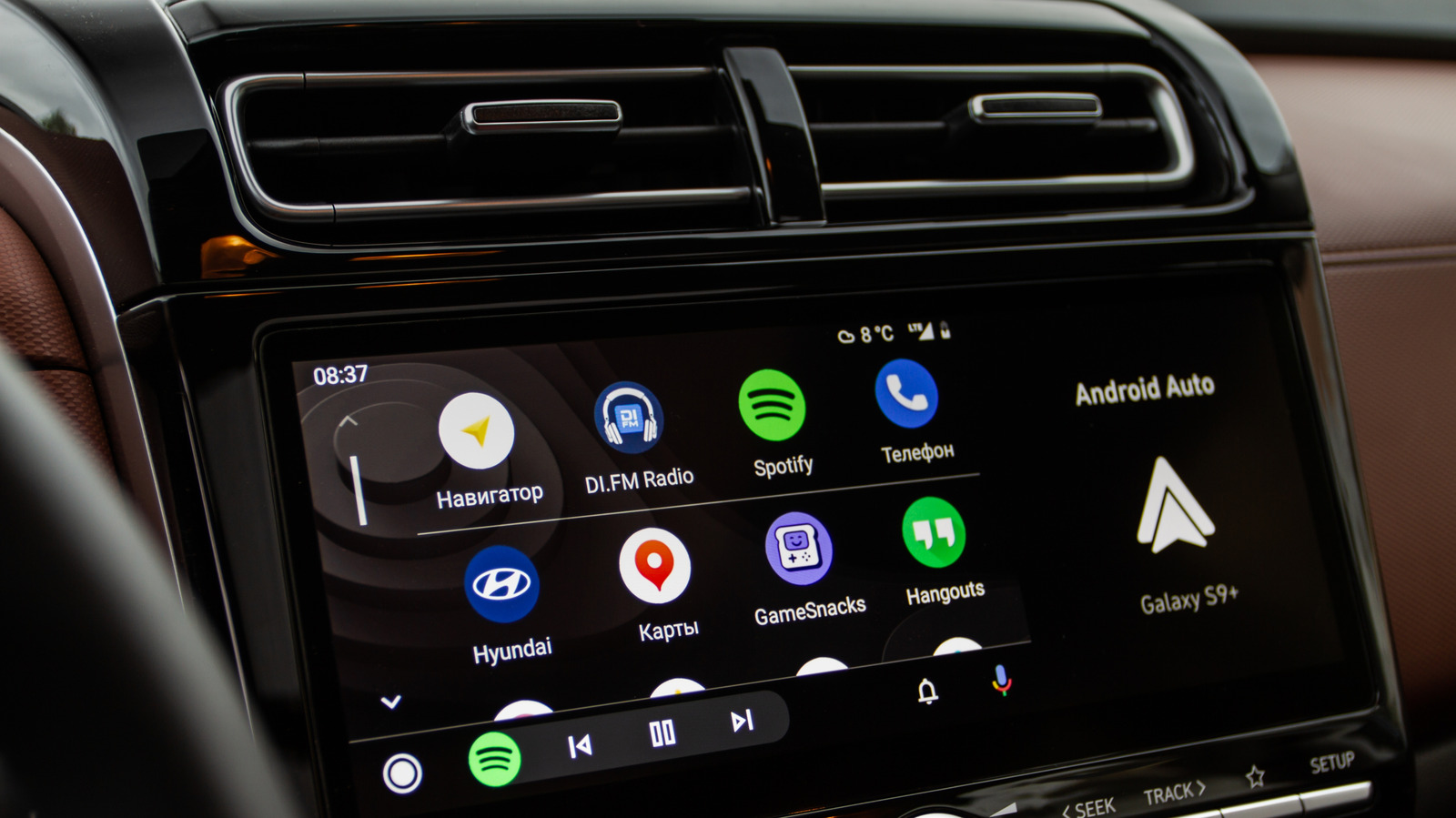
Android Auto is a system that mirrors your phone's apps on your car's display. It lets you use maps, music, messaging, and calls safely while driving. Many cars from 2016 onward support Android Auto, but most require a USB cable to connect. Wireless Android Auto has been available on some newer cars, but older models miss out. These adapters fill that gap for a low cost.
Public or Industry Reaction
Users on forums and review sites praise the adapters for their ease of use. Many say the setup is straightforward and the connection is stable. Some report occasional lag or disconnects, but overall feedback is positive. Car tech reviewers note that the adapters are a smart upgrade for anyone who wants a cleaner dashboard without buying a new car.
What This Means Going Forward
As more people look for simple tech upgrades, these adapters will likely become more popular. They offer a low-cost way to modernize an older car's infotainment system. The main risk is compatibility with future Android updates, but most manufacturers provide firmware updates to keep the adapters working. For now, it is a reliable and easy way to go wireless.
Final Take
Switching to wireless Android Auto is one of the easiest upgrades you can make to your car. It costs little, takes minutes to set up, and removes the hassle of cables. If you already use Android Auto, an adapter is a smart buy.
Frequently Asked Questions
Will a wireless adapter work with any car?
It works with any car that already has wired Android Auto. Check your car's manual or settings to see if Android Auto is supported. If it is, the adapter will work.
Does the adapter drain my phone battery faster?
Yes, wireless Android Auto uses more battery than a wired connection because it keeps Wi-Fi and Bluetooth active. For short drives, the difference is small. For long trips, you may want to plug in to charge.
How do I set up the adapter?
Plug the adapter into your car's USB port. Open the Android Auto app on your phone and follow the on-screen instructions to pair it. After the first setup, it connects automatically every time you start the car.