Summary
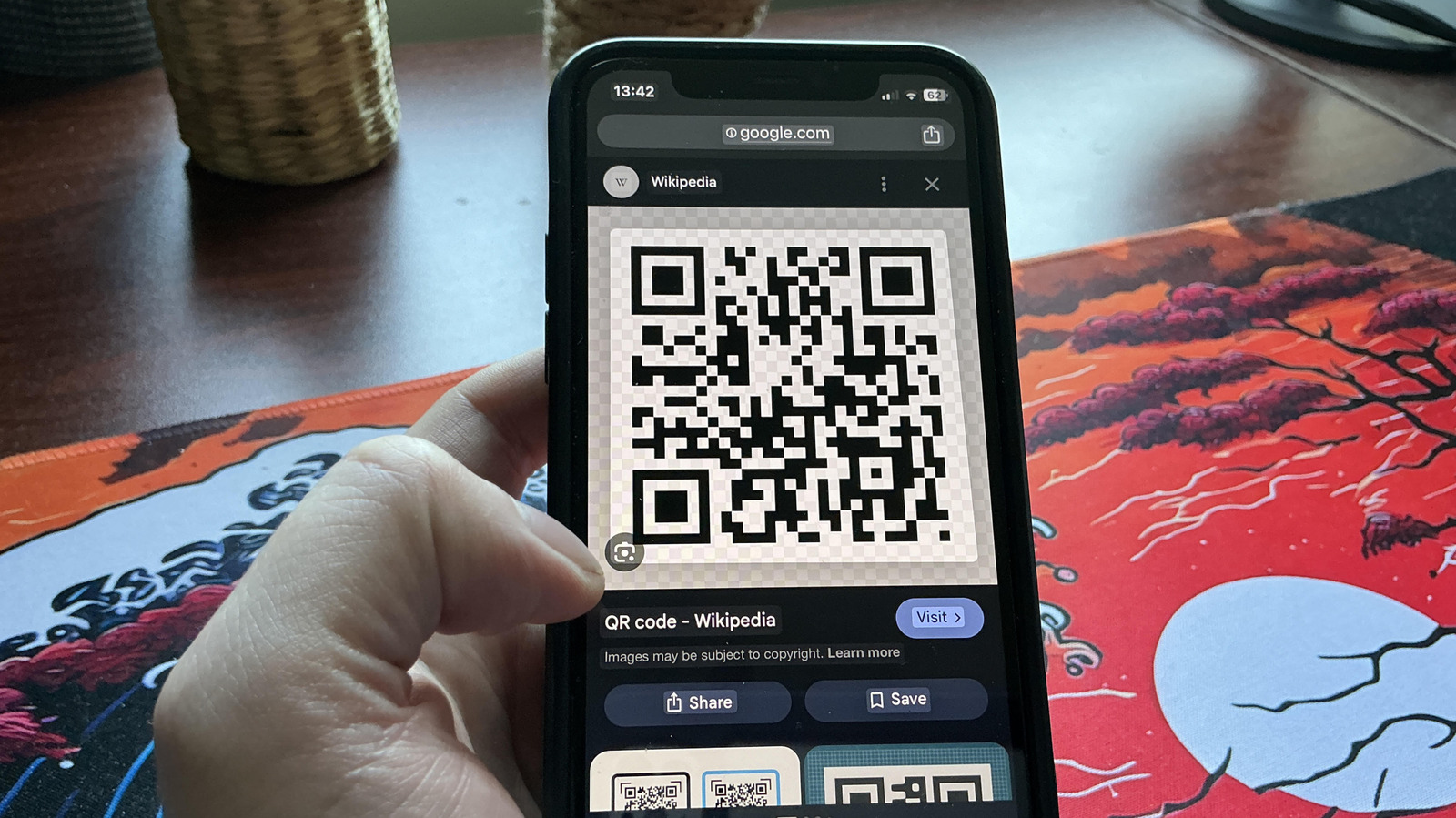
Both Android and iOS phones now let you scan QR codes directly from screenshots without needing a separate app. This built-in feature makes it easy to open links, view coupons, or access information from QR codes saved in your photo gallery. It saves time and removes the hassle of pointing your camera at a screen or printed code.
Main Impact
This update changes how people use QR codes on their phones. Instead of taking a photo of a QR code and then scanning it with a camera, users can now simply open a screenshot and tap the code. This is especially useful for digital tickets, boarding passes, or promotional codes that arrive as images in messages or emails. The feature works quietly in the background, making everyday tasks faster and more convenient.
Key Details
What Happened
Apple and Google have added a simple way to scan QR codes from screenshots. On iPhones running iOS 16 or later, users can open a screenshot in the Photos app, then tap and hold on the QR code. A pop-up will appear with the link or action. On Android phones with Android 12 or newer, the same thing happens when you open a screenshot in Google Photos or the default gallery app. The phone automatically recognizes the QR code and offers to open it.
Important Numbers and Facts
This feature works on most modern smartphones. For iPhones, it requires iOS 16 or later, which was released in September 2022. For Android, it needs Android 12 or later, which came out in October 2021. Both systems handle the scanning without any extra downloads. The feature also works with other types of codes, like barcodes on product packages. Users do not need to install third-party apps or enable special settings.
Background and Context
QR codes became very common during the pandemic for contactless menus, check-ins, and payments. Many people still use them for digital tickets, event passes, and coupons. Before this update, scanning a QR code from a screenshot meant taking a photo of the screen with another device or using a separate scanner app. This was slow and awkward. Now, the phone does the work automatically, making the process smooth and fast.
Public or Industry Reaction
Tech reviewers and regular users have praised the change for its simplicity. Many people say it saves time, especially when dealing with multiple QR codes in emails or messages. Some users note that the feature is not always obvious, so not everyone knows it exists. But once discovered, it becomes a go-to tool. Industry experts see it as a small but smart improvement that makes phones more useful in daily life.
What This Means Going Forward
This feature is likely to become standard on all new phones. As QR codes continue to be used for tickets, payments, and information sharing, having a built-in scanner for screenshots will reduce friction. It also means fewer people will need to download separate QR code apps, which often have ads or privacy risks. For businesses, this makes QR codes even more reliable as a way to reach customers. The next step could be automatic scanning of QR codes in messages or emails without even opening the image.
Final Take
Scanning QR codes from screenshots is a small but powerful change. It removes a common annoyance and makes phones smarter. For most people, this feature will become a daily habit once they know it exists. It shows how small updates can make technology feel more natural and less clunky.
Frequently Asked Questions
How do I scan a QR code from a screenshot on my iPhone?
Open the screenshot in the Photos app. Tap and hold on the QR code until a menu appears. Then tap the link or action that shows up.
Does this work on all Android phones?
It works on most Android phones running Android 12 or later. Open the screenshot in Google Photos or your default gallery app. The phone will automatically detect the QR code and show a notification to open the link.
Do I need to download an app to scan QR codes from screenshots?
No. Both iOS and Android have this feature built in. You do not need any extra apps or settings. Just open the screenshot and tap the QR code.